Help overview/Getting started
Getting started
Levitio is used by organizations, leaders, members, and parents. This guide walks you through creating an organization and the first steps.
Levitio is used by organizations, leaders, members, and parents. This guide walks you through creating an organization and the first steps, so you start with the right foundation.
🔗 For parents: Levitio for parents
Organization registration
Register a new organization at https://registration.levitio.com/. You can also open the registration form from the Levitio website.
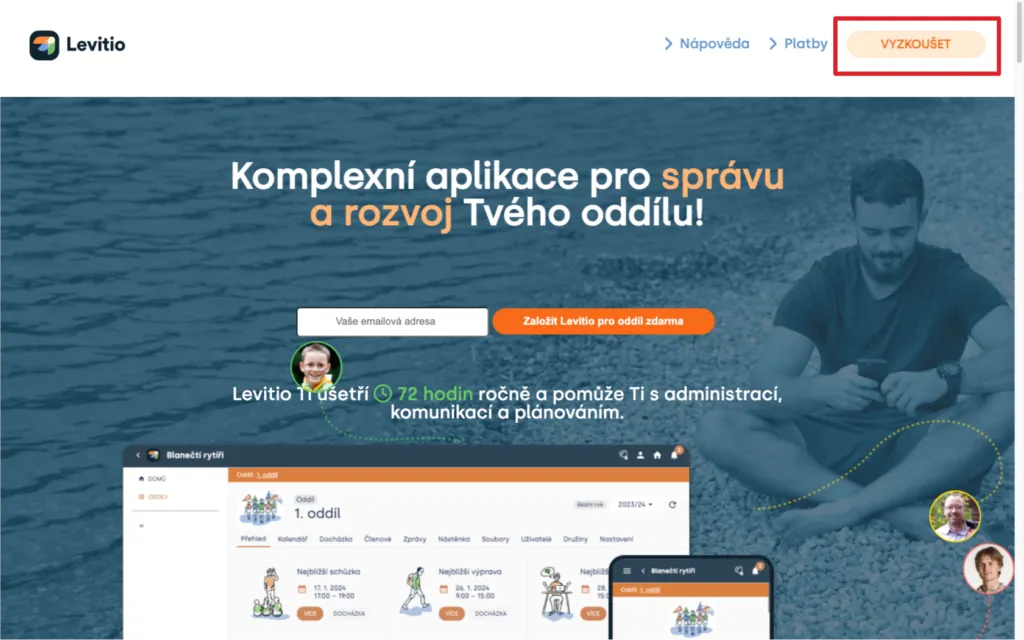
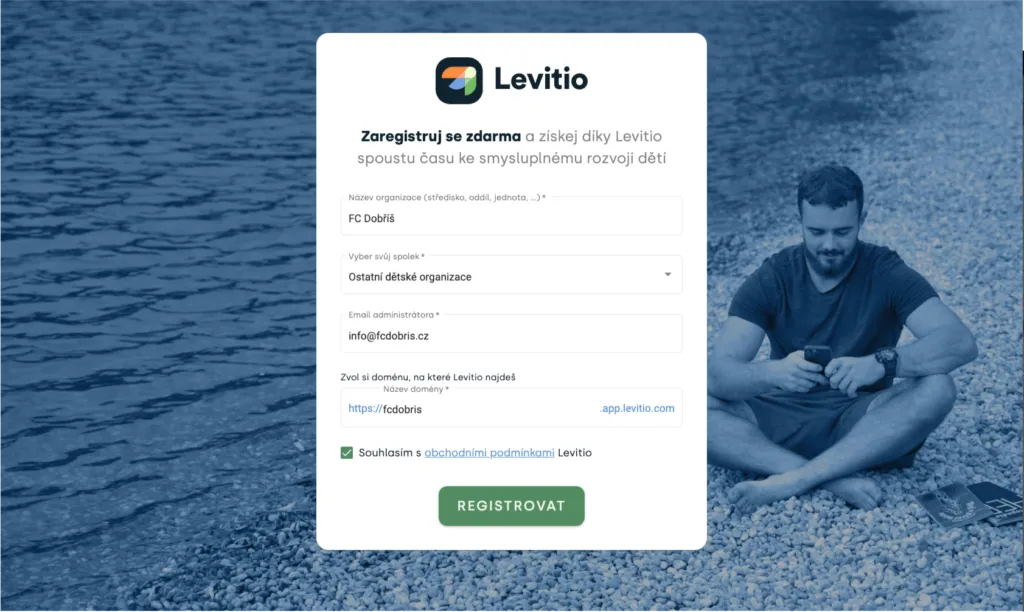
Fill in basic organization details and the email of the first administrator. If you already have a Levitio account, you can link it to the new organization. Otherwise you will create a new user account.
In the registration form, fill in:
- organization name (the full name as the organization is registered)
- association your organization belongs to (some associations have tailored content, such as logos or badges; parents will also see information about your organization’s headquarters in communication, for example emails). If you cannot find your organization, choose “Other children’s organizations”
- administrator email (your email, which you will use as the main administrator to access Levitio)
- domain name (a short, memorable name; this is what your Levitio URL will look like)
🔗 More about account setup: Organization
Registering the first user account
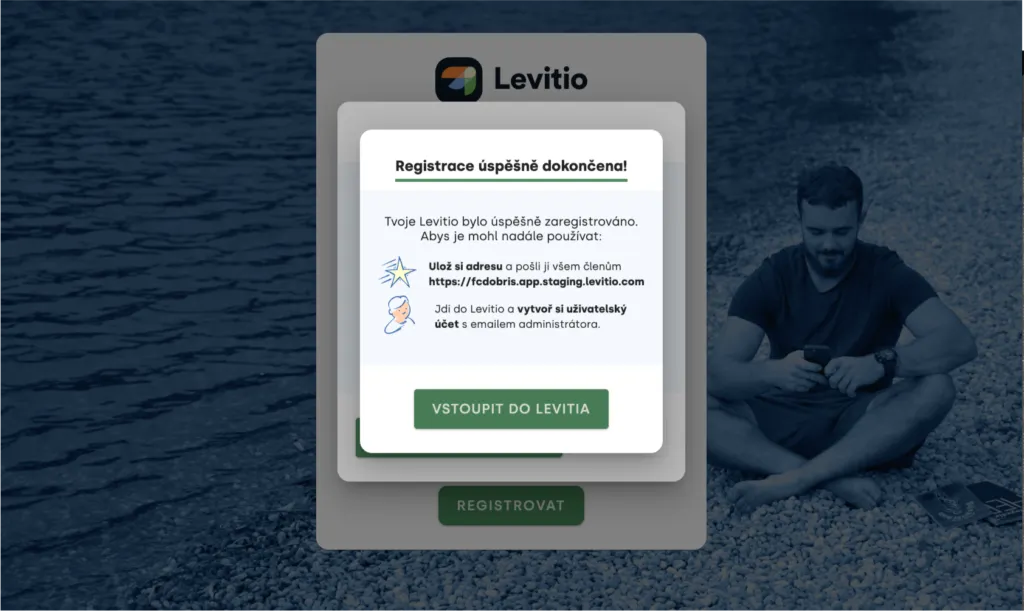
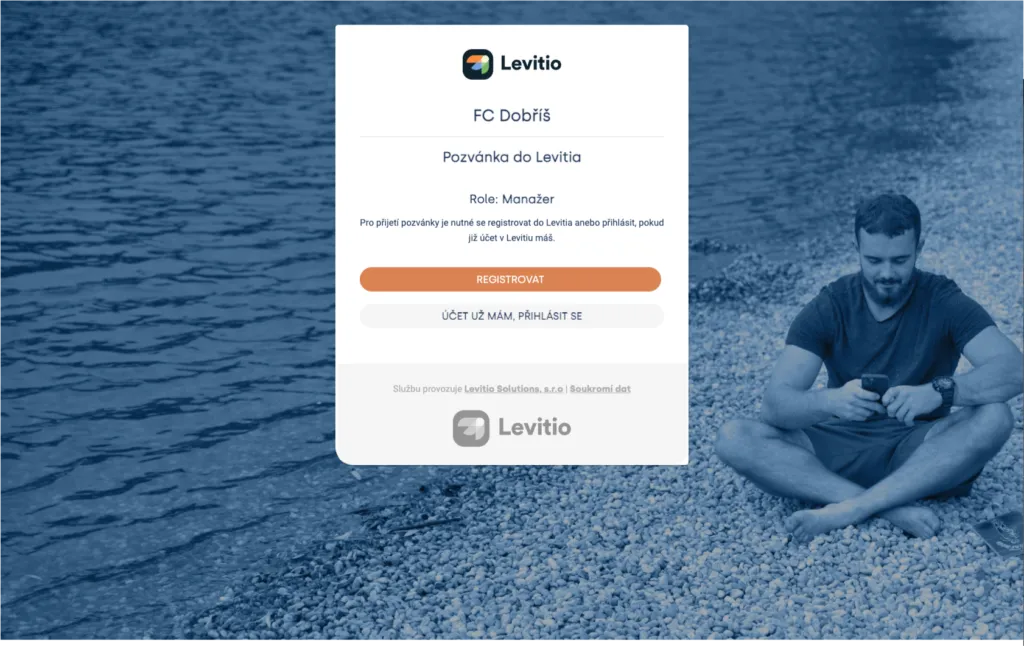
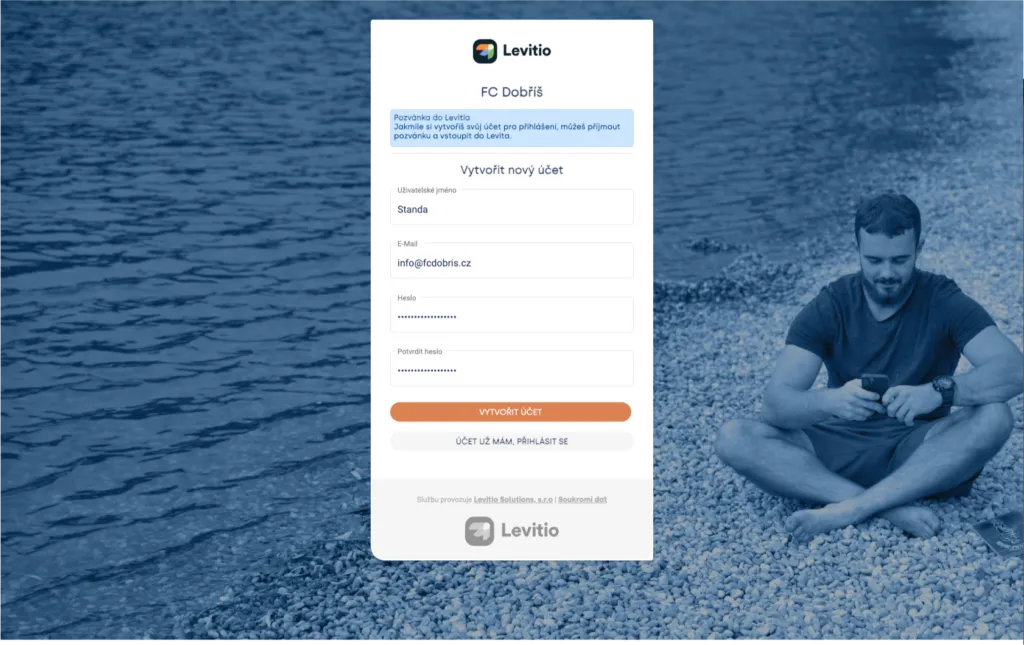
If you created an organization account, Levitio will walk you through creating a user account, linking it to the organization, and assigning organization manager rights. Follow the instructions, including verifying the email address you entered.
🔗 More about roles: Users
Levitio is free
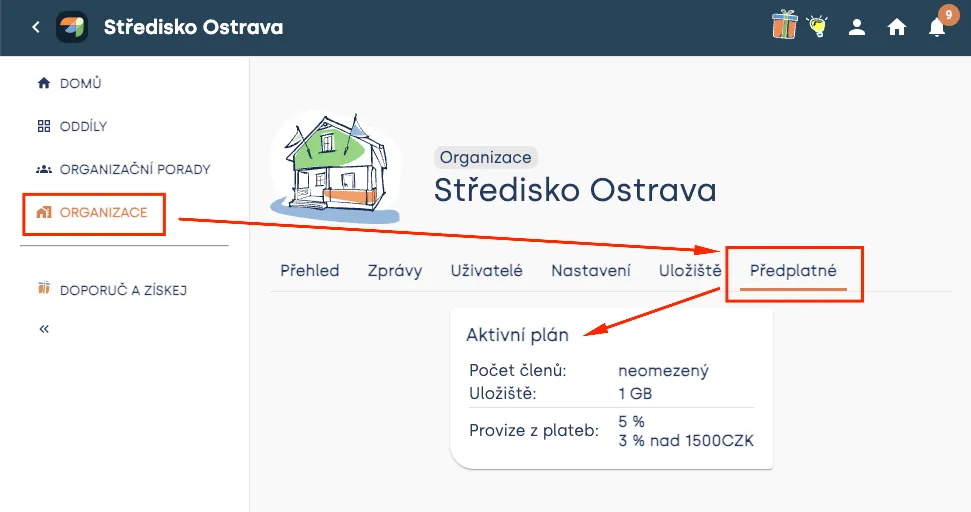
Levitio is free for organizations. If you choose to use Levitio Pay, a fee is charged only on payments processed online.
The standard Levitio Pay rate is 5% on the portion up to CZK 1,500 and 3% on the portion above CZK 1,500. The same rate applies to donations.
You can see the current plan in Organization > Subscription.
How Levitio is structured
You can use Levitio at several levels:
- Organization — combined work with members across subordinate units, messages, payment transactions, documents, users, and settings.
- Unit / club — day-to-day work of a specific team: members, events, program, payments, and other features.
- Patrol / group — a smaller part of a unit or club.
In Organization > Members you see members from all subordinate units and can do basic work with them. Advanced unit tools, such as Smart table, are used in a specific unit or club.
An organization can customize the names of individual levels, so in your account you may see club, team, or group instead of unit or patrol.
🔗 More: Structure
Recommended first steps
- Check the organization details and add other users.
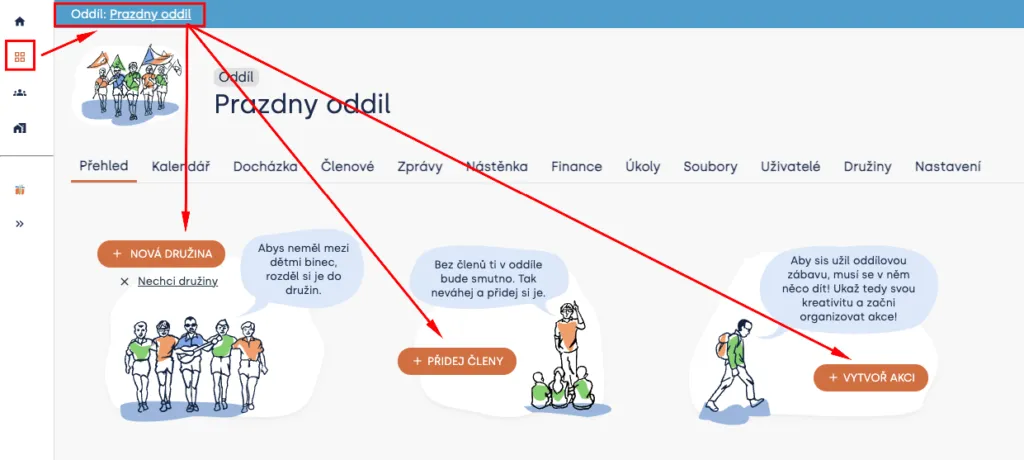
- Create units / clubs and, if needed, their patrols / groups.
- Add or import members.
- Give users the right permissions.
- Plan the first events.
- If you want to use Levitio Pay, add a bank account in the specific unit / club.
- Send parents personal links to the parent portal.
Useful links:
- Unit / club
- Patrol / group
- Member records
- Users
- Creating events
- Adding a bank account
- Levitio for parents
You can always ask for advice on the community Levitio noticeboard or write to podpora@levitio.com.
Video
The video shows an older look of Levitio. The basic registration principle is similar; names and placement of some elements may differ.
Related articles
For parents
Levitio for parents
Parent and member portal: events, payments, noticeboard, and children's details in one place. You enter the portal with a personal link, without registration or a password.
For parents
How a parent pays with Levitio Pay
If the unit / club uses Levitio Pay, the parent receives a payment request and completes the payment in the parent and member portal — without registration.
Payments
Levitio Pay: payments
Levitio Pay helps units and clubs collect payments from parents and members. The bank account is set in the specific unit.
Payments
Payments FAQ
Levitio always shows you the fee transparently in advance. Donations use the same 5% / 3% rate as other Levitio Pay payments.
Payments
Donation campaigns / Crowdfunding
Levitio lets you collect donations and thereby increase the unit's funds. Donations use the same 3–5% Levitio Pay fee.