Help overview/Organization and members
Unit / club settings
In Settings you edit the basic details of a specific unit / club. This is also where the bank account for Levitio Pay is set.
In Settings you edit the basic details of a specific unit / club and its available features.
This is also the level where the bank account for Levitio Pay is set. A bank account cannot be added directly at the organization level.
First steps
After creating a unit, Levitio will immediately offer further unit settings and guide you through them.
First, it is important to add members to the unit, divide them into patrols, and create events to invite unit members to. You can find instructions on how to do all of this in the following sections.

Find more here: Patrol, Member records, Creating events, Users, Adding a bank account, SkautIS synchronization
Settings
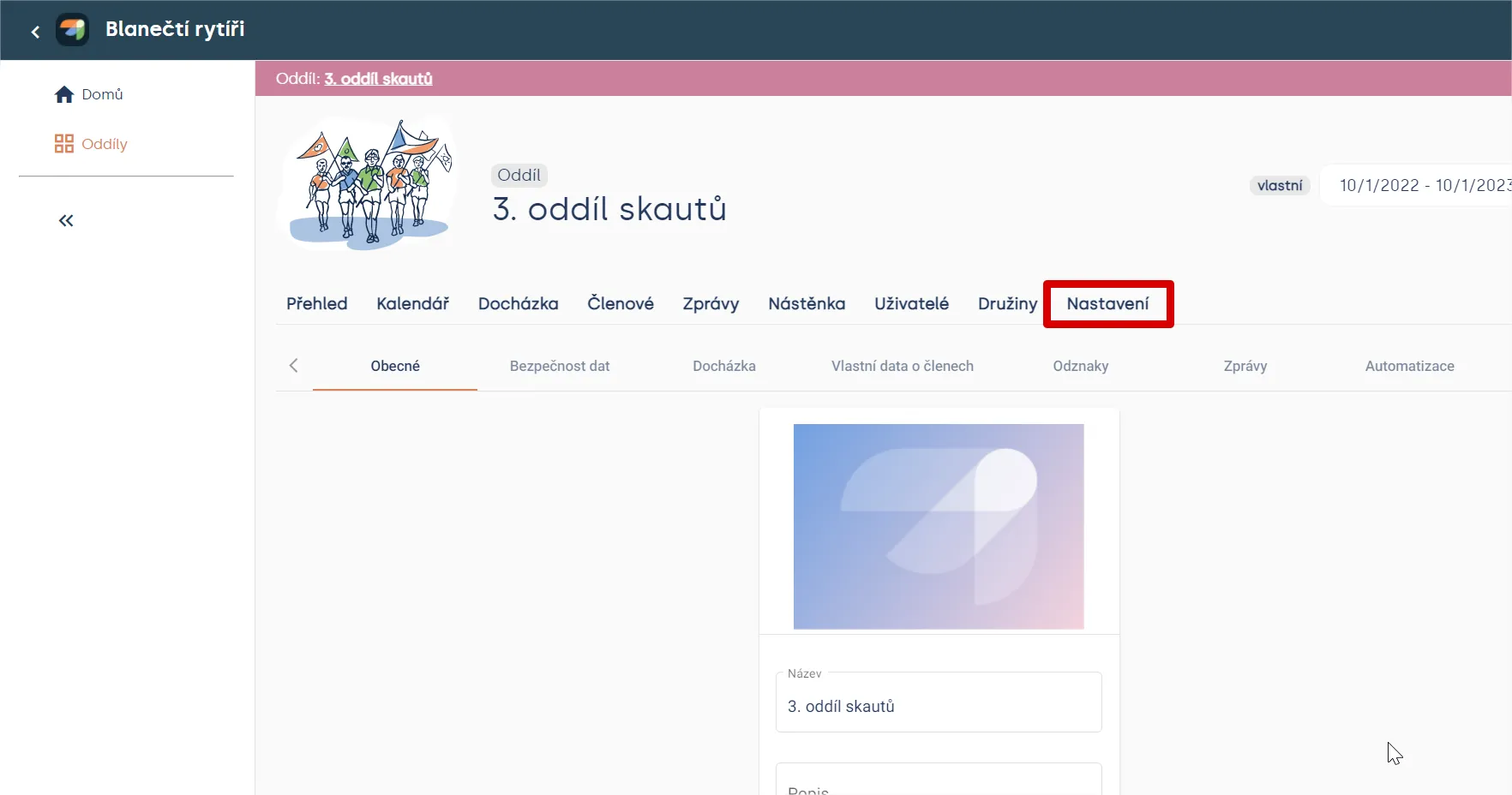
In each unit / club you can set a cover photo, a unit / club description, an address, or a bank account. You configure all of this in the “Settings” tab.
Organization > Unit / club > Settings
Related articles
Organization and members
Organization
The organization is the top level of a Levitio account. You can handle many things in one place for the whole organization.
Organization and members
Structure
Levitio uses several levels so it can match how your organization is actually organized.
Organization and members
Member records
You can manage members in a specific unit / club and also in summary at the organization level.
Organization and members
Users and permissions
Users are people who sign in to the administrative part of Levitio. Parents and children are not administrative users.
Organization and members
Unit / club
A unit or club is the main working unit under the organization. You create a new unit from the organization overview.