
Help overview/Communication
Trip feedback
After a supported event has taken place, you can ask parents or participants for feedback from the event detail.
After a supported event has taken place, you can ask parents or participants for feedback.
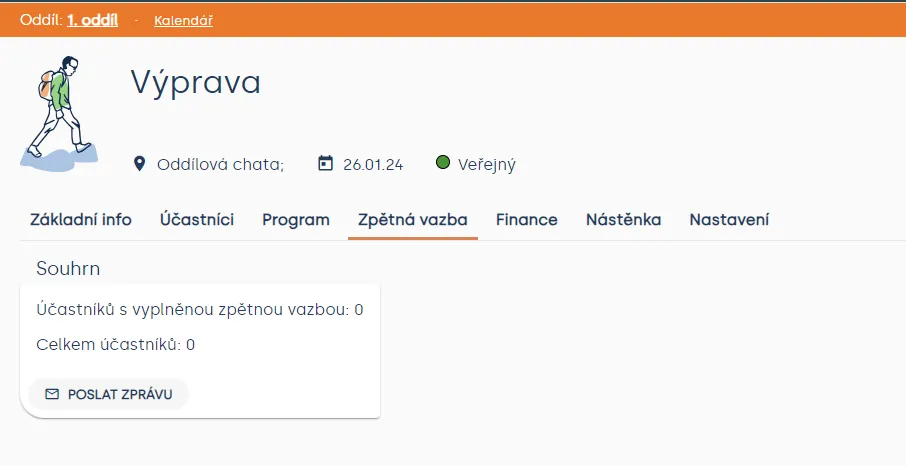
In the event detail, use the option to send a feedback request, add a short message, and select recipients.
You will then find incoming responses in the Feedback section of that event.
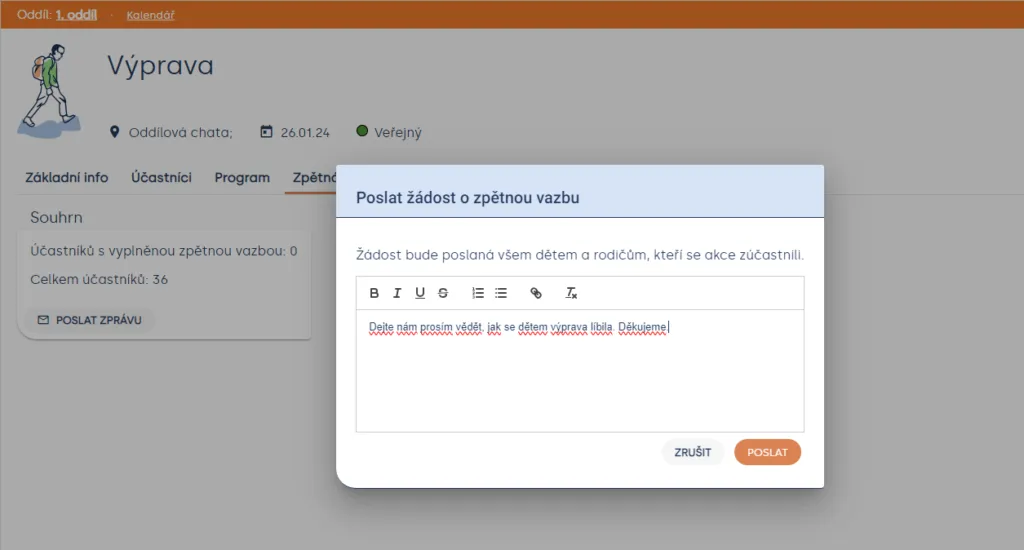
Fill in the message that will appear in the email to participants / parents and complete the feedback request by clicking the “Send” button.
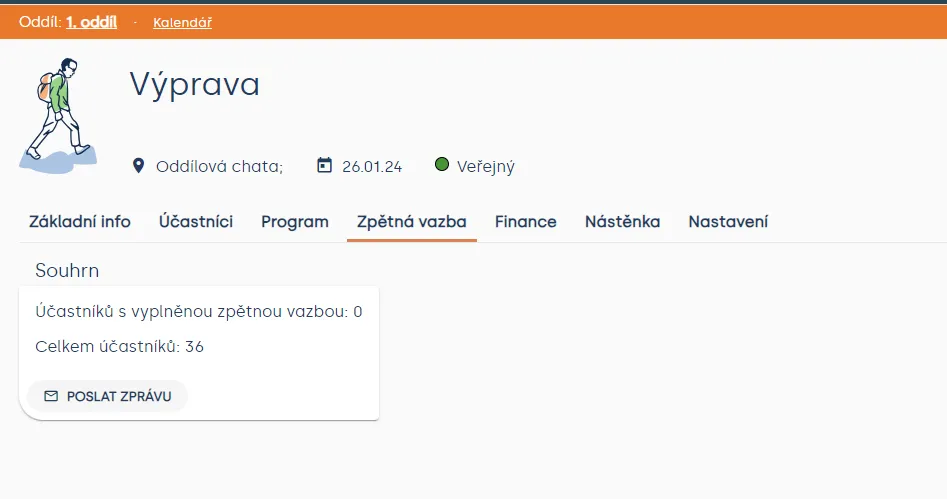
You can find a summary and the number of completed responses in the “Feedback” section.
Related articles
Communication
Sending messages to members and parents
You can use Messages in a specific unit / club and also at the whole organization level.
Communication
Noticeboard
An internal noticeboard of a specific unit, event, or patrol. For community noticeboards of all Levitio users, see the Levitio noticeboard article.
Communication
Levitio noticeboard
Shared community noticeboards for leaders from different organizations. You will find them on the Levitio home page.
Getting started
Getting started
Levitio is used by organizations, leaders, members, and parents. This guide walks you through creating an organization and the first steps.
For parents
Levitio for parents
Parent and member portal: events, payments, noticeboard, and children's details in one place. You enter the portal with a personal link, without registration or a password.